
Zellij for Coding Agents Every Agent, One Inbox
Run coding agents side by side in Zellij, see which one needs you across all your sessions, and answer it from the inbox without switching tabs.
Report their status to the inbox with no setup
- Codex CLI
- Claude Code
- OpenCode
- Pi
- goose
- GitHub Copilot CLI
- Qwen Code
- Crush
- Factory Droid
See what every agent is doing
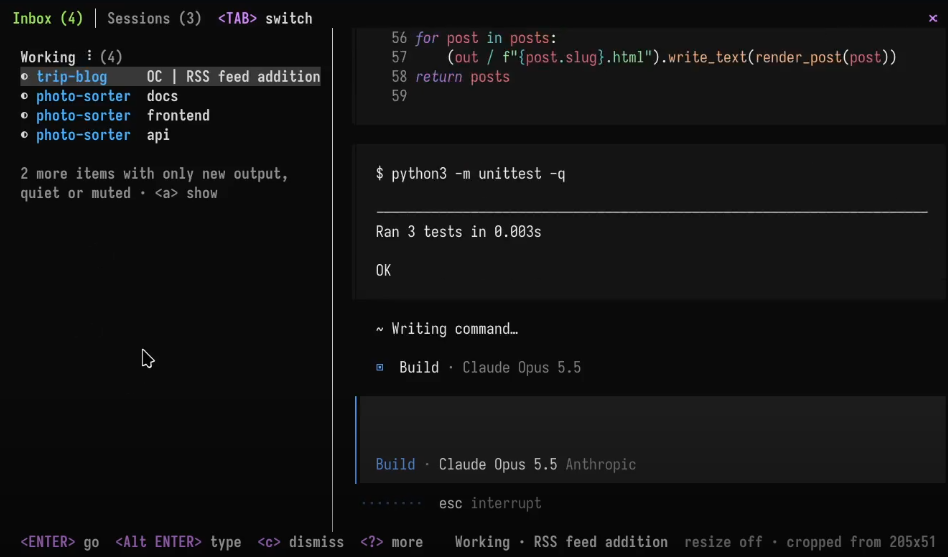
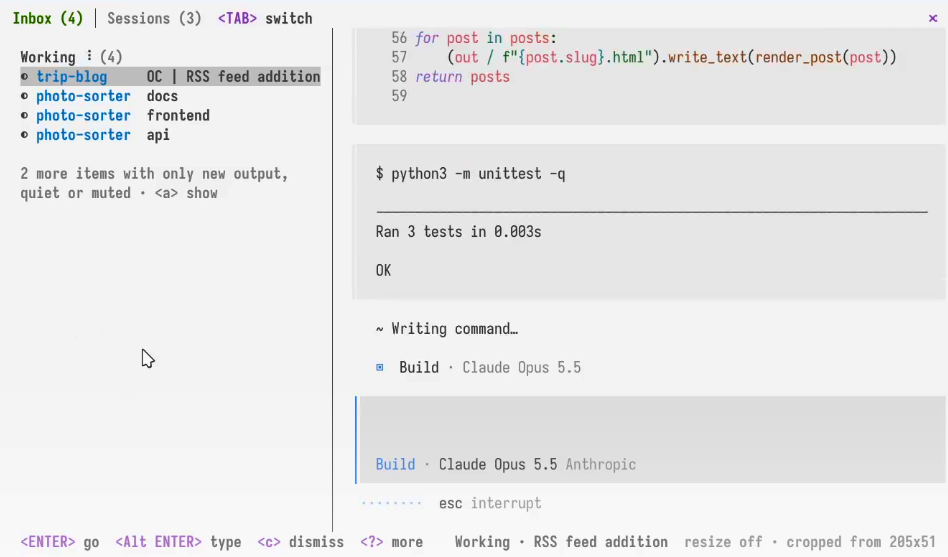
The inbox lists your agents by status, needs you, working, done or failed, across every session on the machine. Answer one through its live preview, mark it as seen with c, or mute a noisy one with m.
Close the window, they keep working
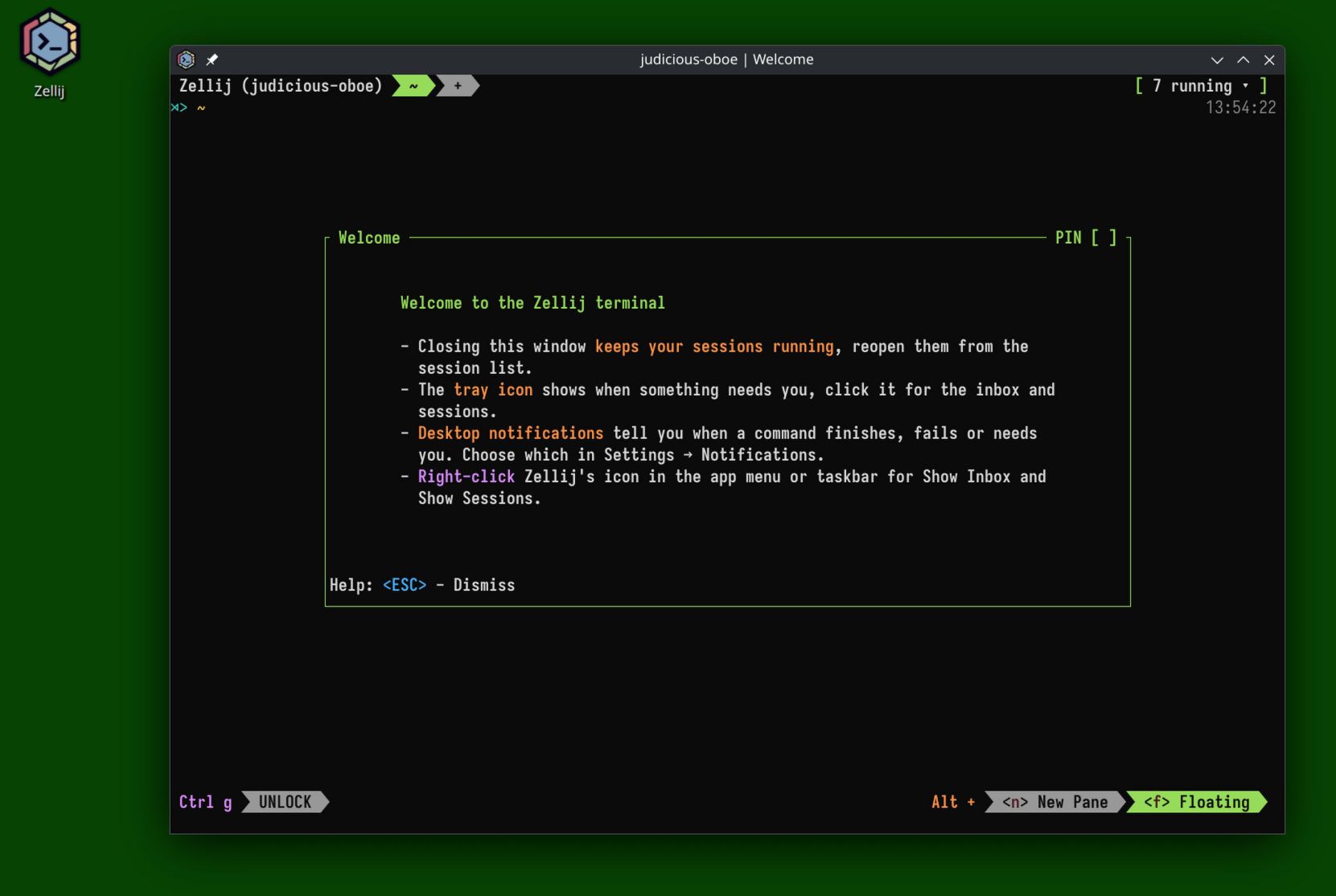
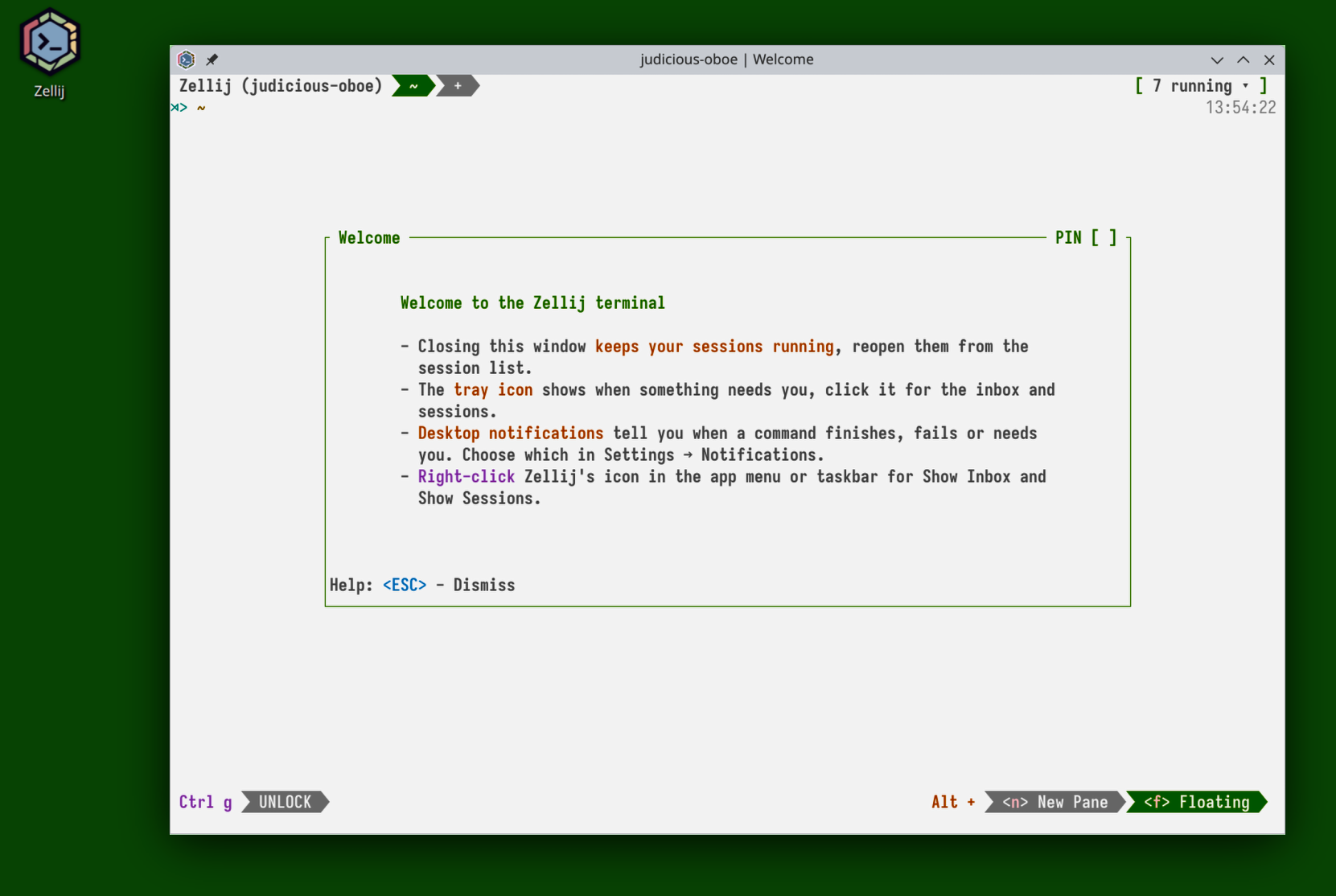
Run Zellij in its own window with zellij terminal. Closing it keeps every session running. The tray icon shows when an agent needs you, and desktop notifications tell you when one finishes, fails or needs you.
One session per project, one tab per agent
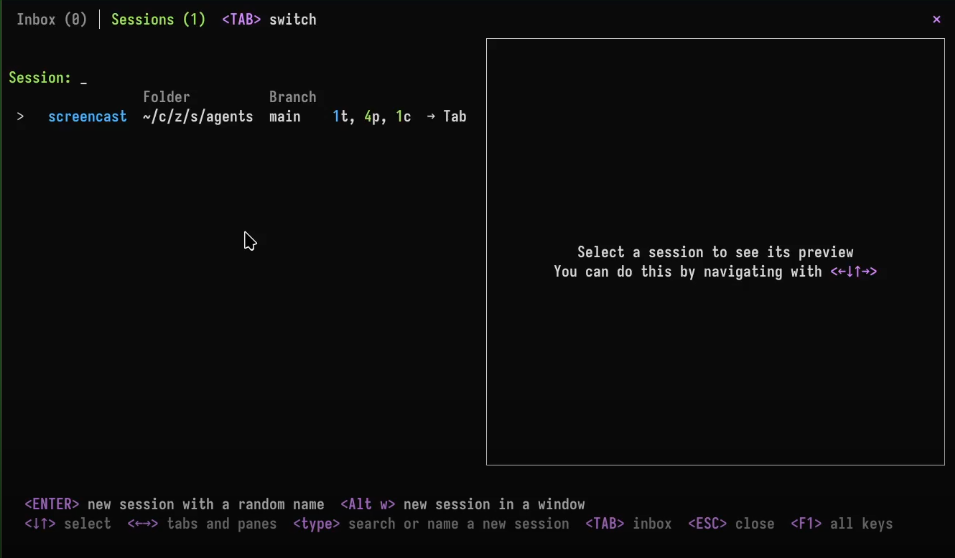
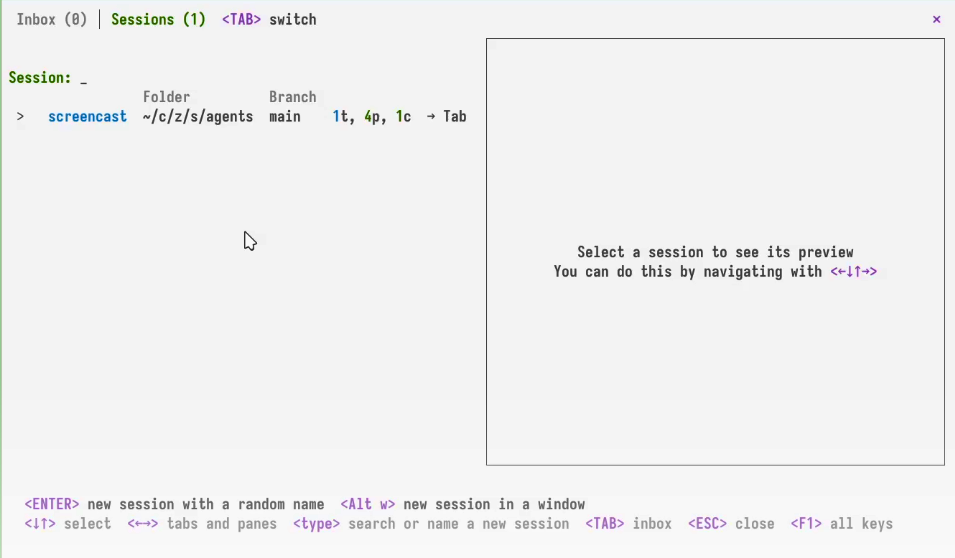
Start a session for each project from the tray or the session manager, and give each agent its own tab. Rename an agent's pane and its name follows it into the inbox and your notifications.
Working with agents
Which coding agents does it work with?
Any agent that runs in a terminal. Claude Code, Codex CLI, OpenCode, GitHub Copilot CLI, Pi, goose, Qwen Code, Crush and Factory Droid report whether they’re working, waiting for you or done, with no setup. Agents that don’t report their status yet, like Gemini CLI or Cursor CLI, still show up when they ring the bell or send a desktop notification. Full list
Do I need to set anything up?
Usually not. Agents that support OSC 7501, a way for programs to report their status, tell Zellij exactly what they’re doing as soon as you update them. For everything else, Zellij watches every pane for bells, desktop notifications and shell prompt markers, so long builds and test runs report when they finish or fail too. Connecting other programs
Do my agents stop when I close the window?
No. Sessions keep running in the background, with every agent still working. Reopen them from the tray icon or the session manager, or attach from any other terminal, even over SSH.
Can I check on them from my phone?
Yes. The built-in web client opens your sessions in a browser, including on a phone, so you can answer an agent that’s waiting for you while you’re away from your desk.